The livestream
Build-in-public sessions with AI coding agents, reaction videos and chat polls, on YouTube and Twitch at the same time.
The format in one paragraph
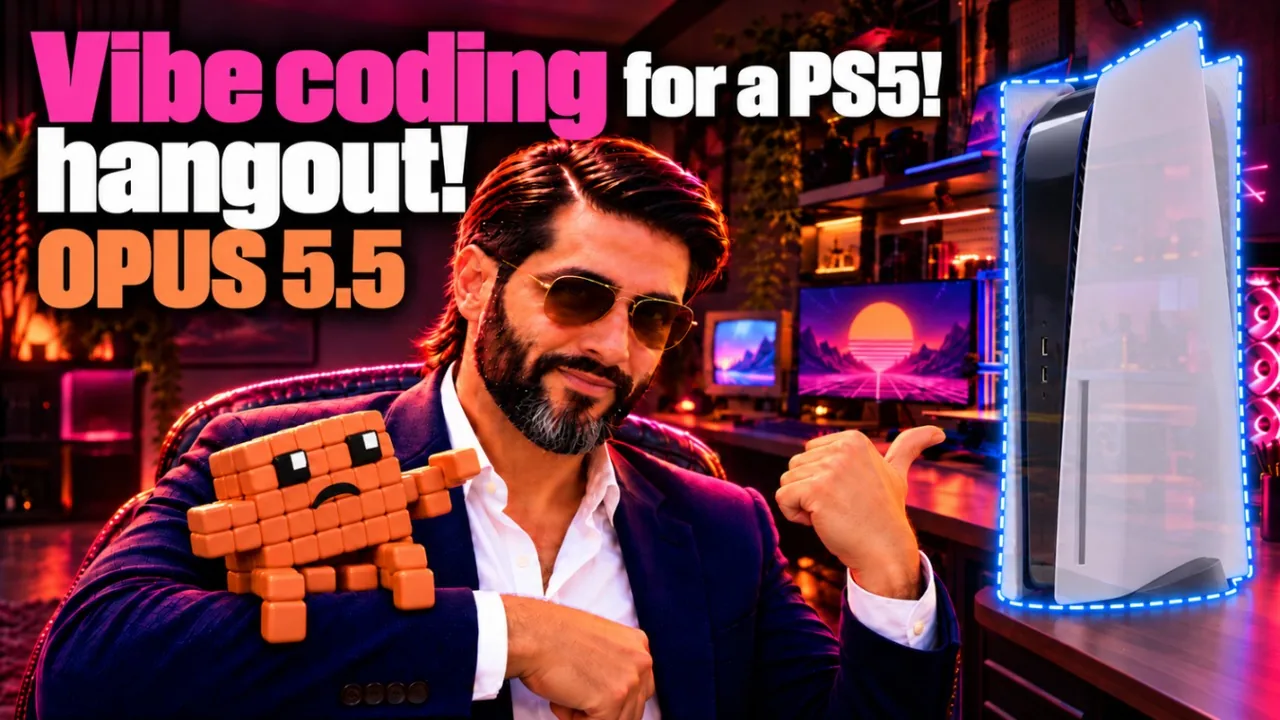
The Late Build livestream is a build-in-public show with a hangout attached. A typical session has the creator on camera next to a shared screen, working through a short to-do list with AI coding agents (Claude Code and Codex for most of it), reacting to tech, AI and gaming videos between tasks, and letting chat steer through polls and requests. Sessions run from under an hour to several hours. Everything is streamed to YouTube and Twitch at the same moment, and the recordings stay public afterward, so you can join live or learn from the replay.
The goal behind the whole thing is stated in the stream descriptions: “the goal behind it all is to earn from these projects,” with a running “Earned” counter in the title that, as of October 12, 2026, reads $0.00. That honesty is part of the format. You are watching someone try ideas, post short videos, build games and tools, and find out in public which of them work.
Schedule
There is no fixed weekly schedule in the project notes, so this page does not invent one. The channel banner says “live most nights,” and recent sessions started in the evening or at night Eastern time: the Day 3 stream of the fresh-start series began at about 4:41 PM ET on October 10, and the Day 4 stream began at about 8:16 PM ET on October 11 and ran roughly four and a half hours. Each go-live is announced on X and in the Discord announcements channel, which is the most reliable way to know when a stream is starting. The socials page lists dated recordings so you can see the real rhythm.
What a night looks like
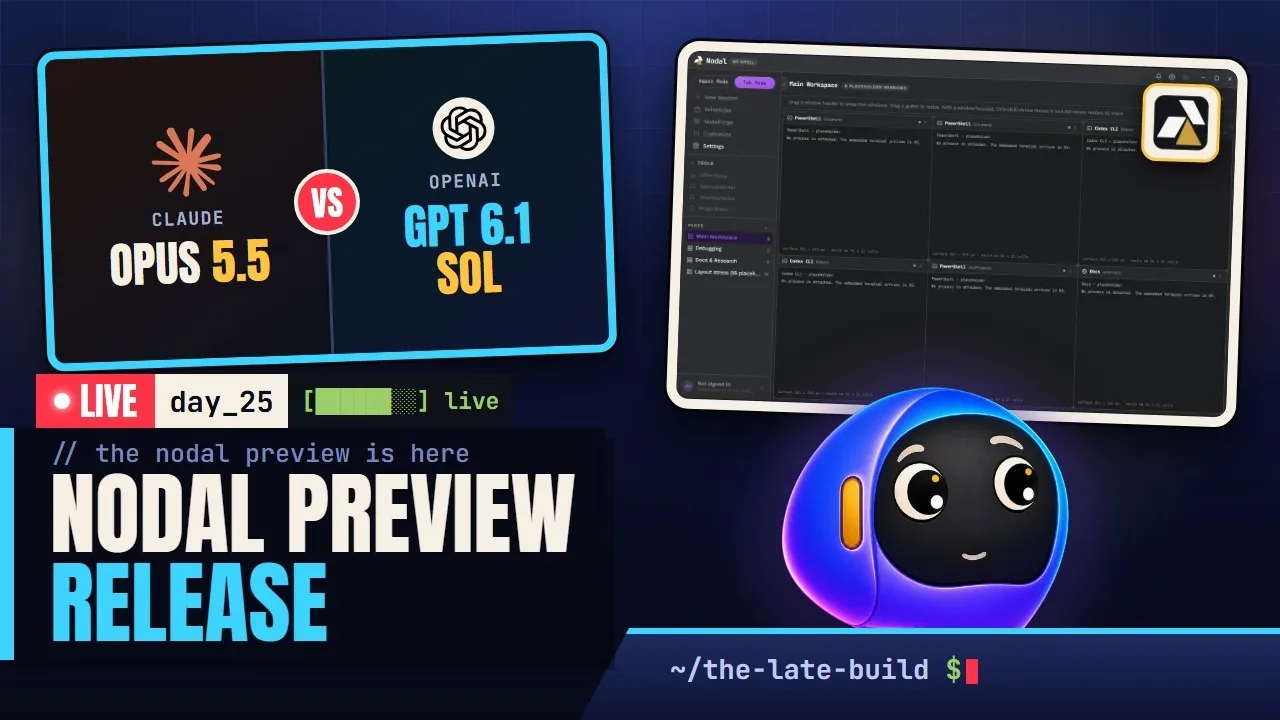
- Prep (offstream). A title, description and thumbnail are prepared. The title tends to name the day’s theme, such as a model comparison, a release or a new short video, followed by the earnings counter.
- Starting Soon. The stream opens on a Starting Soon scene while the platforms confirm everything is live. A to-do list overlay shows what the session plans to cover.
- Welcome and links. A short welcome goes into both chats with the Discord invite. A post goes to X and the Discord announcements channel with the live links.
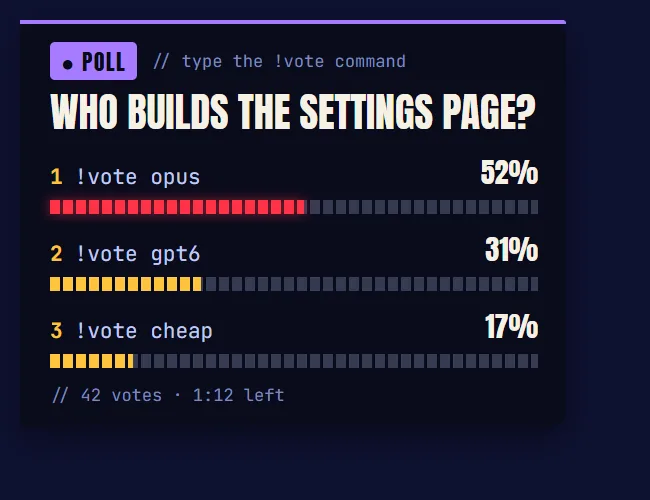
- Build, react, repeat. The main scene shows the screen, a webcam cutout and a chat overlay. Work happens in blocks: prompt an agent, review its output, test it, fix it, and switch to a reaction video when something is running. A poll overlay lets chat pick the next task.
- Short videos on stream. Many sessions include making and posting a TikTok or YouTube Short from start to finish. See avatar shorts.
- Ending. A Stream Ending scene appears, the stream stops, and the session is archived with a written report so the next session knows where things stand.
The tool stack
The setup is a mix of standard streaming tools and custom software built on the stream itself. The custom pieces are covered in detail on the BroadcastHQ page; this is the overview.
| Layer | Tool | What it does here |
|---|---|---|
| Capture and scenes | OBS Studio | Scenes for Starting Soon, Main, BRB and Stream Ending, a webcam with background removal, and browser-source overlays. |
| Encoding | NVENC H.264 | Constant bitrate around 6,000 kbps with a two-second keyframe interval. A webcam size of 640 by 360 was chosen after 1280 by 720 pushed the background-removal filter too hard. |
| Distribution | Restream | One output from OBS fans out to Twitch and YouTube. |
| Vertical feed | A vertical canvas plugin | A 1080 by 1920 version of the scenes is sent to YouTube so the same broadcast can appear in the Shorts feed (a YouTube dual stream). |
| Alerts, polls, tips | Streamlabs | Follow and subscribe alerts, the poll widget and a public tip page. |
| Chat | Cloudbot and Nightbot | Standard bots for moderation and timed promos. Custom chat overlays show both platforms in one style. |
| Control panel | BroadcastHQ | A second-monitor app for viewer counts, stream health, chat panes, audio routing, music and room lights. |
| Coding agents | Claude Code, Codex | The work being streamed. See The vibe-coding workflow. |
Because the stream is also a testbed, extra features appear over time. A small script called Cursor Dodge slides the webcam out of the way when the mouse rests on it, so it never blocks the screen. A Meross smart bulb in the room can be driven from BroadcastHQ, and a viewer-facing Crowd Control mode lets chat commands such as !light or !party change it, with cooldowns so no one can hammer it. Music comes from a local library of royalty-free tracks that are credited in the descriptions.
Lessons from running it live
The setup notes record real failures, and a few are worth repeating because they are common problems for new streamers:
- Wi-Fi drops end broadcasts. During a long Day 3 session the main output lost its connection to the distribution service and stalled. YouTube ended the broadcast seven seconds after Twitch dropped, and an ended broadcast cannot be resumed. Recovery meant creating a new broadcast and restarting. The follow-up note says to use a wired network or lower the vertical bitrate.
- Latency defaults lie. YouTube’s own Studio default for low latency did not apply to broadcasts created through the distribution service. The setting had to be changed on the service’s YouTube row while offline.
- Scripts load before sources exist. Cursor Dodge failed silently at the start of one stream because the script loaded before the screen capture source did. The fix was a retry loop on the lookup.
- Audio is the hard part. Routing the music, the browser and the microphone so viewers hear one mix while the creator hears another took a dedicated audio broker. That work is described on the BroadcastHQ page.
- Test privately first. New output modes, such as the vertical stream, were tested on private broadcasts before the first public one, and the test videos were deleted afterward.
The same notes also record the working agreements that keep this safe: nothing visible or public happens without the owner’s confirmation, permanent deletion is always done by the owner, and every meaningful change is written to a runbook.
How to learn from the stream
You do not have to watch four hours to learn something. Here is a practical path, from lowest effort to most:
- Read the title and description. They name the day’s projects and tools. The dated list on the socials page summarizes each recording.
- Skim the replay by topic. Recordings run long, so use the description to find the block you care about, such as a model comparison, a Blender session or an agent workflow, and scrub to it.
- Watch one build block end to end. The most instructive parts are the moments when an agent output is wrong. You see how the creator notices, narrows the problem and re-prompts.
- Reproduce a small result. The benchmarks use prompts that fit on a page; try them with whatever model you have and compare.
- Ask. Questions in chat or in Discord get answered on stream. Stream descriptions usually say that the creator will show how to create what you see or share the code.
- Join a game room. The Nodal Play rooms let viewers play with the streamer, which is a good way to see how the games behave under real load.
A related reading list for developers: The vibe-coding workflow explains the agent workflow, AgentBoard on the Nodal site explains how agents coordinate, and Agent Mode shows the app built around the workflow.
Why two platforms and a vertical feed
YouTube gives the streams a permanent home and a searchable library of recordings. Twitch gives the chat and community feel of a live room. Sending both from one encoder via Restream keeps CPU use low, and adding the vertical canvas lets the same live broadcast appear in the Shorts feed, where discovery is far easier for a small channel. The cost is complexity: two chats, two sets of rules and one more output to keep healthy. The BroadcastHQ panel exists mostly to make that complexity visible at a glance.
FAQ-style quick answers
Is it a coding tutorial? Not exactly. It is a working session with commentary. You learn the workflow and the failure modes rather than syntax.
Do viewers influence what gets built? Yes, through polls and requests. Titles often say “chat decides.”
Can I use the tools? Parts are shared. The stream descriptions mention sharing code on GitHub for anything viewers like, and the Nodal and game projects have their own pages. More answers are in the FAQ.